
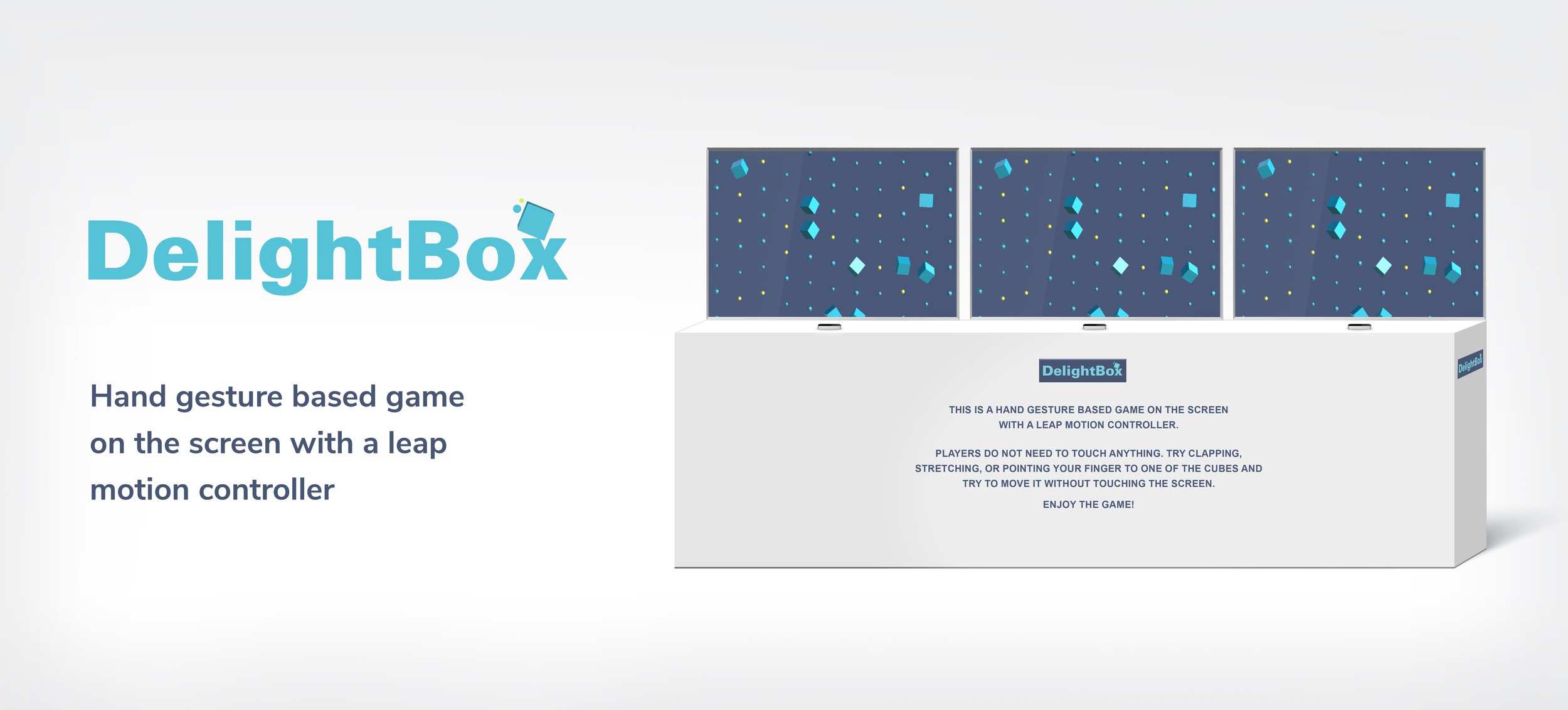
Project Overview
Interactive interface with leap motion. A system of interaction that entice people to be in motion/active in a delightful, engaging experience. This project was a part of my interaction design course.
Role: Researching, ideation, prototyping, user testing
Tools: Adobe Illustrator, Blender, and Unity
Duration: 1.5 months

Context
How to change this tiresome, boring, dull… moment in people’s lives?
Research
While we traveled, we observed and talked to people in airport gate waiting areas.
Also, conducted user interviews to see the opportunities. Research findings validated our assumptions.
• Diverse culture • Different age groups • Travel 5-7 times in a year on average
90-95%
people use smartphones
35-40%
people play games on their phone
2%
people read books
Main criteria for solution
Since airports are noisy, and for safety & health issues, no one wants to keep touching surfaces.
No sound
No touching
Stay active
The Solution
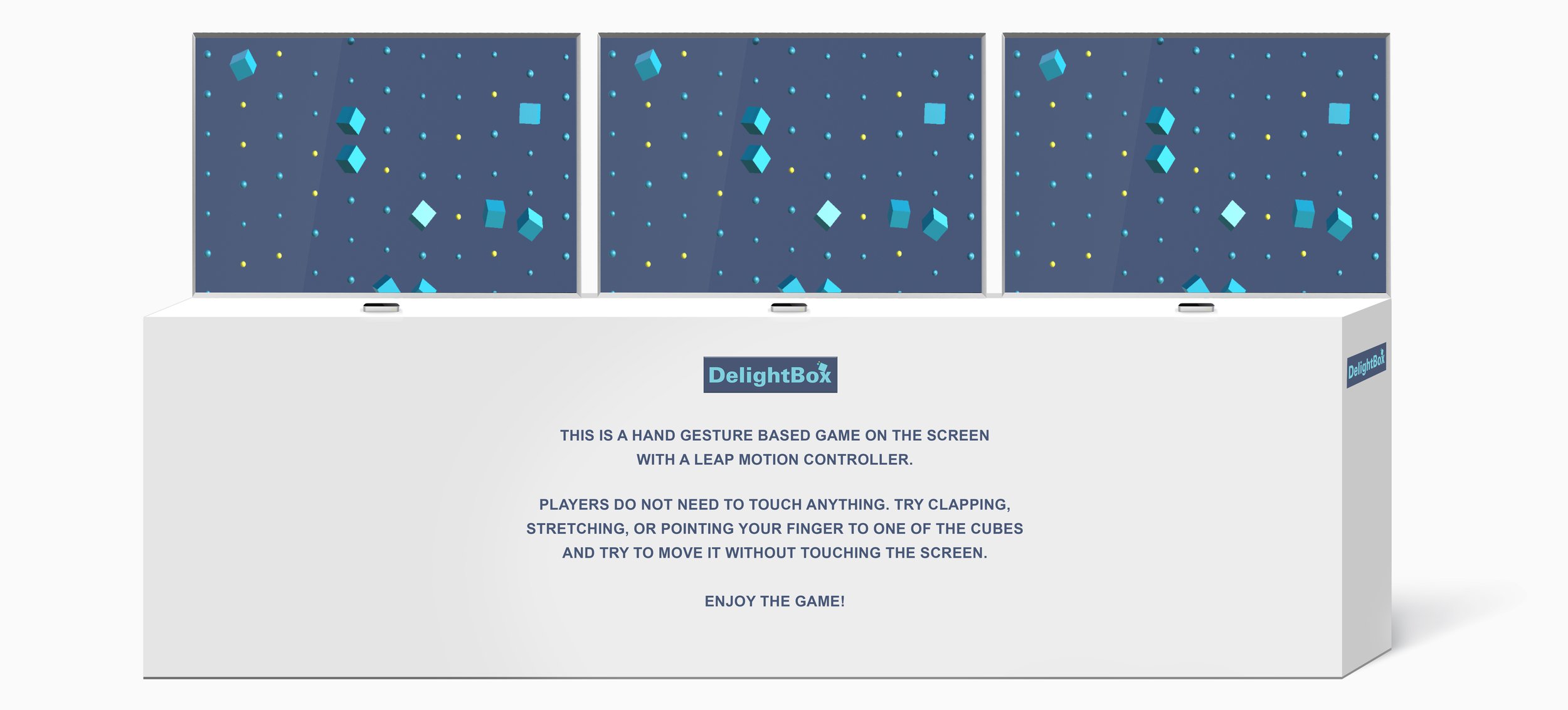
Hand gesture-based game on a screen with a leap motion controller.
How hand gesture works
1. Stretching effect
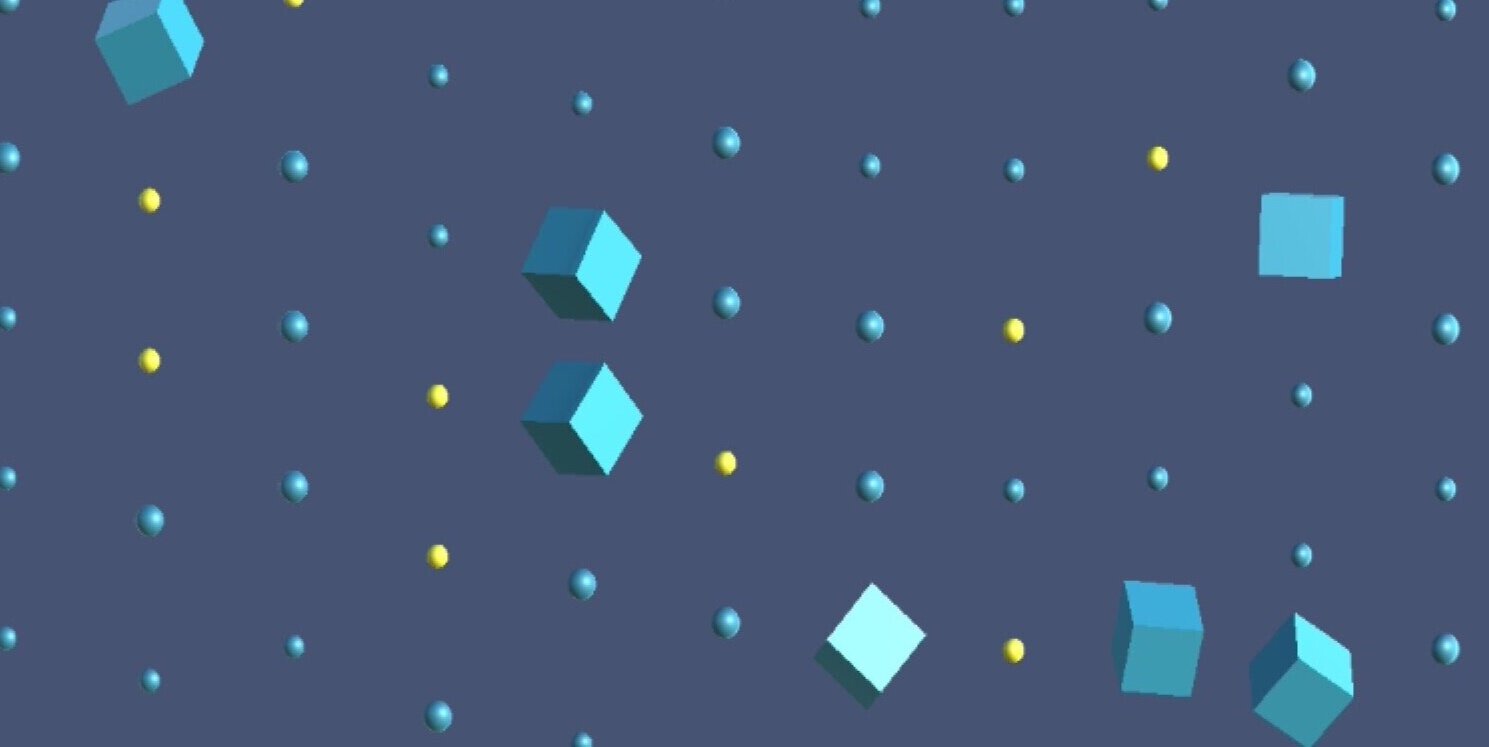
A. Elements keep moving down like raindrops

B. When a person stretches arms, cubes move aside, reflecting arm stretch.
2. Finger snapping effect

A. Elements keep moving down like raindrops
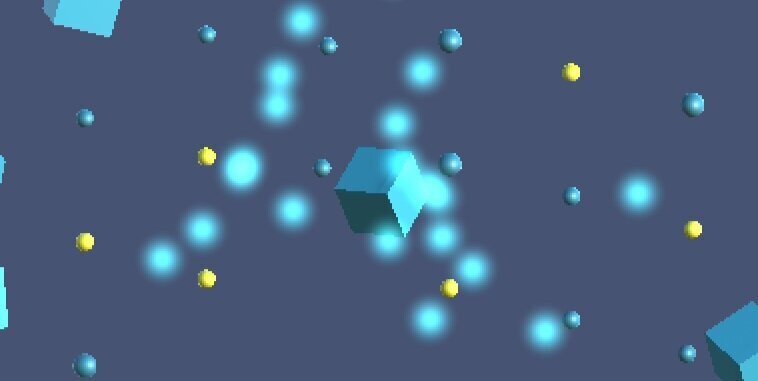
B. Finger snapping breaks a cube into glowy particles
3. Point and move
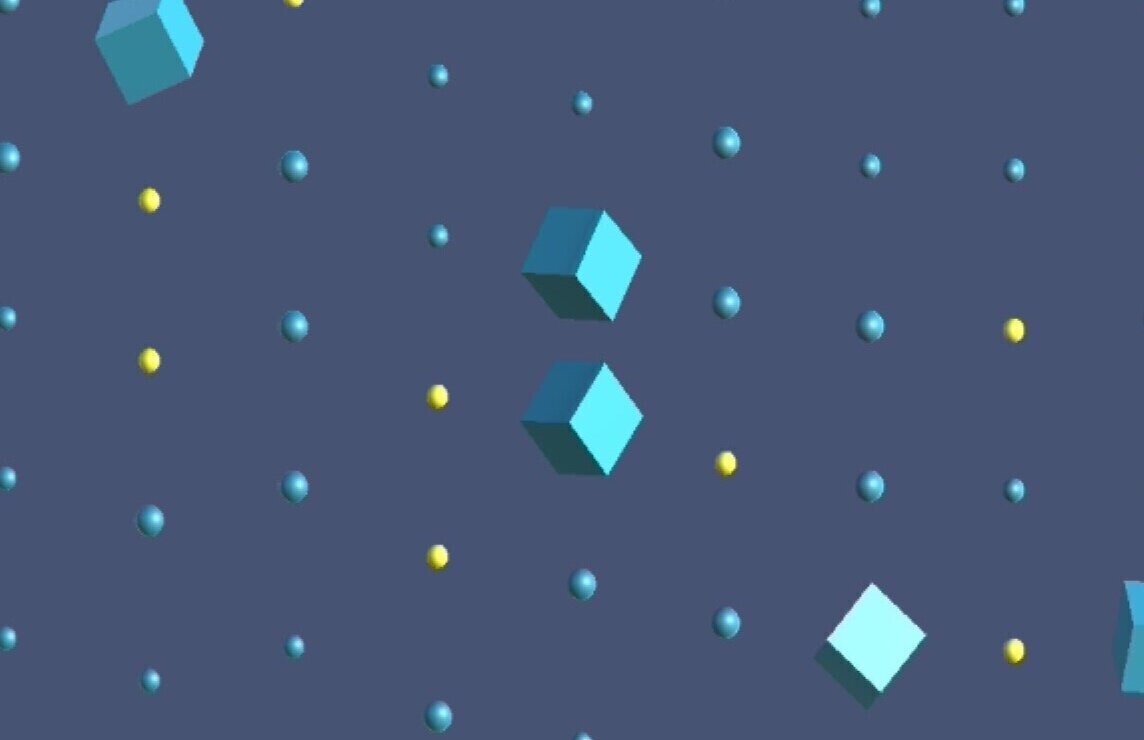
A. Elements keep moving down like raindrops
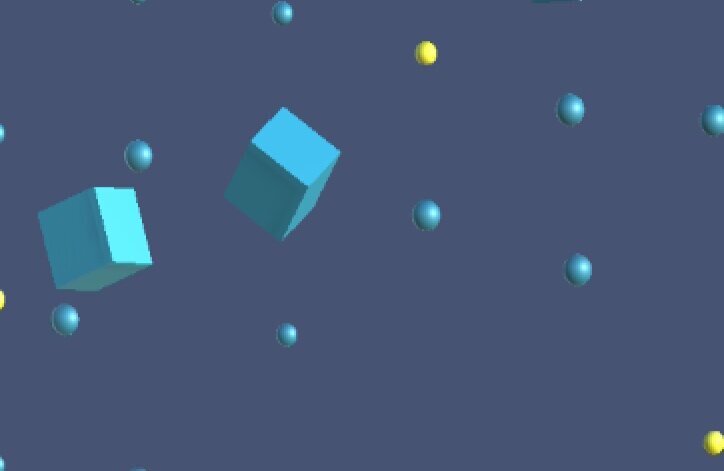
B. A cube that’s being pointed at moves reflecting finger movement, distorting the position of elements.
4. Clapping effect

A. Elements keep moving down like raindrops

B. Clapping brings all cubes together then burst them like a firework
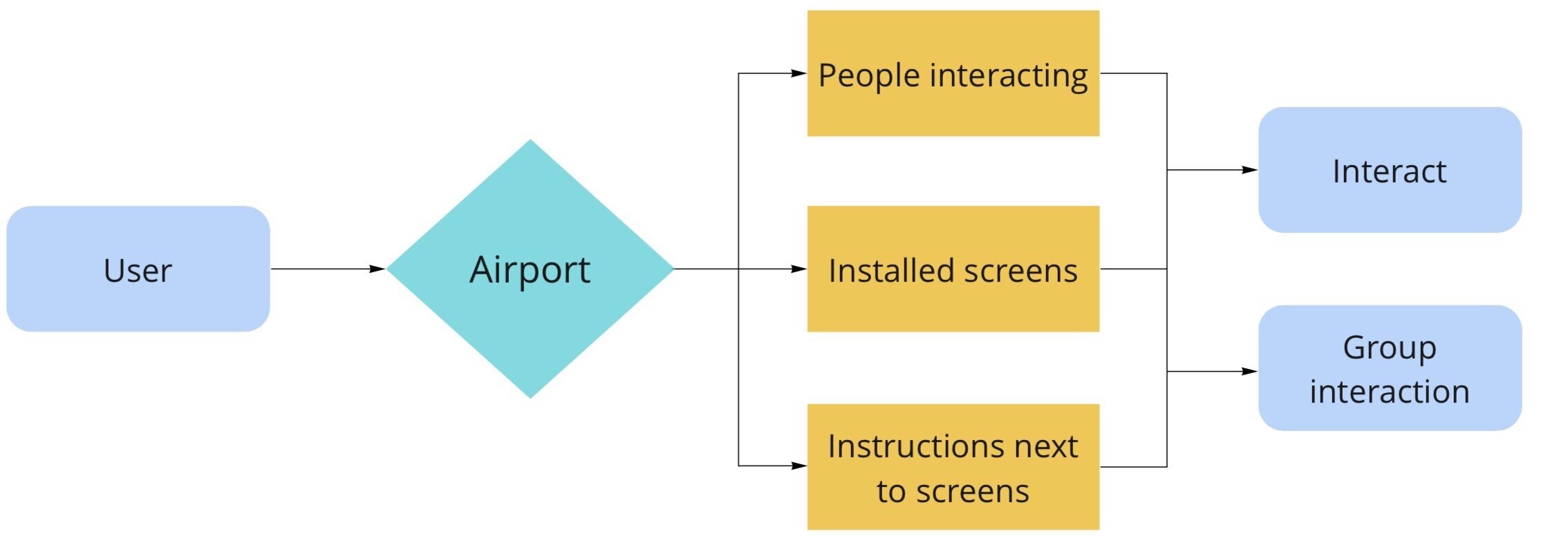
User Pathway
User Testing
Controlled
Asking questions from users while interacting with the product and after the testing the experience helped define mainly the functionality problems.
Observed
Observing users' interactions and reactions without asking any questions and explaining how the game works helped identify user behavior and gesture effects that delight them.
Final Prototype
I used only a laptop and a leap motion controller to build and test for this project.
This is how actual product would look like.
Takeaway
The ideation process was enjoyable; I asked myself why not do this or why not do that to solve the problem. When I came up with different ideas selecting the “best” idea was a challenge. I learned that putting myself in the user’s place helps avoid selecting an idea on personal biases.